Guide a wooden skiff across a quiet stretch of water and time each cast around the fish below. Every catch has to reach the surface before it joins your score. There is room for a thoughtful attempt, a missed opportunity and another perfectly placed line.
Before your first attempt
Cast ahead of a moving fish. The hook needs time to travel down through the water.
Start is always an explicit choice. The game will not begin just because you opened its page. After starting, use the pause control whenever you need to read the instructions again.
Find your position
Move with the arrow keys, the on-screen arrows, or a pointer over the river. Watch the direction of the fish before you commit.
Lower the hook
Press Space or Cast the line. The hook descends from the end of your rod; pressing again recalls it early.
Bring it home
The line rises automatically after a catch. Gold, mint and pink fish award 10, 20 and 30 points when they reach the boat.
Reading your result
The deepest fish has the largest value, but the journey to the boat is also longer. A nearby ten-point catch can be the better choice when only a few seconds remain. Move the boat between casts and leave yourself enough time to finish the return. A fish still attached to the hook when the timer ends does not add to your total.
Comfortable controls
Use the visible buttons on a touch screen. With a keyboard, focus the game area before using the arrow keys; Space performs the main action. P or Escape pauses an active round. If another tab takes focus, the game pauses automatically so you do not lose time while away.
Full screen is optional and depends on browser support. It changes the available space, not the game rules. Press Escape to leave it.
A pocket-sized rover rolls beneath a falling trail of copper-coloured gold. Collect the coins while keeping clear of the tumbling stones. The round is brief, but the useful decision keeps changing: take the tempting centre line, or leave yourself a safer way out?
Before your first attempt
Watch the next object above the rover, not just the coin closest to its roof.
Start is always an explicit choice. The game will not begin just because you opened its page. After starting, use the pause control whenever you need to read the instructions again.
Steer the rover
Drag across the scene, point with a mouse, or hold either direction button. The rover follows your chosen line.
Gather the coins
Each collected gold coin adds ten points. There is no spending screen and no exchange value.
Protect three shields
Every stone costs one shield. The run ends after 45 seconds or when the last shield is gone.
Reading your result
Avoid parking at the very edge of the field. A little room on both sides gives you more options when two stones arrive together. If a coin and a stone are close, it is usually better to preserve a shield than to squeeze through a narrow gap. A steady run often beats an ambitious one that ends in its first ten seconds.
Comfortable controls
Use the visible buttons on a touch screen. With a keyboard, focus the game area before using the arrow keys; Space performs the main action. P or Escape pauses an active round. If another tab takes focus, the game pauses automatically so you do not lose time while away.
Full screen is optional and depends on browser support. It changes the available space, not the game rules. Press Escape to leave it.
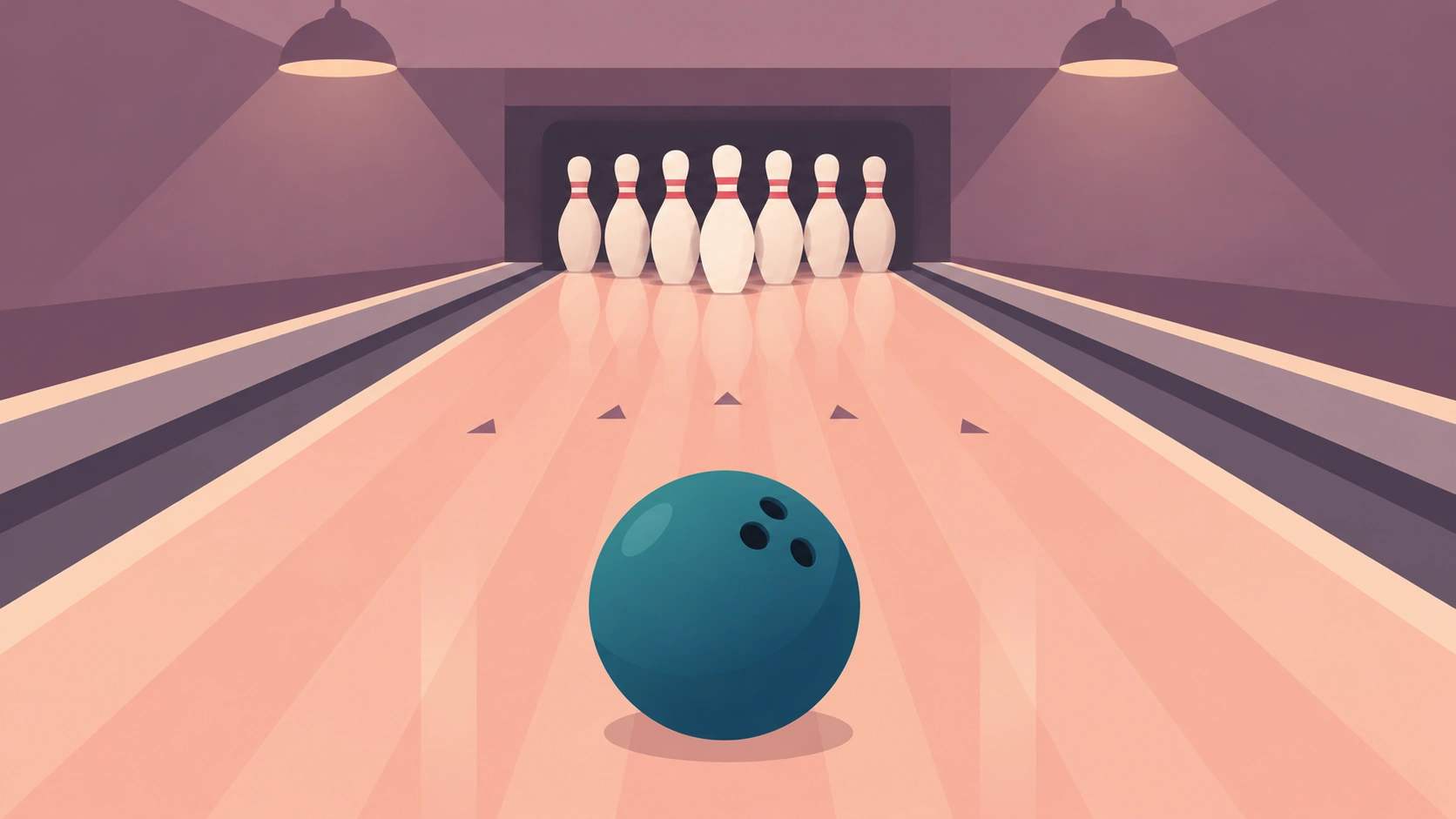
Step into a quiet bowling hall for five fresh racks. Set a line, choose a little power and send the ball towards ten waiting pins. Each frame starts from scratch, so your next attempt is a chance to learn rather than a chance to repair the last one.
Before your first attempt
Change either aim or power between rolls. Changing both makes the result harder to read.
Start is always an explicit choice. The game will not begin just because you opened its page. After starting, use the pause control whenever you need to read the instructions again.
Choose a line
Use the aim slider, the left and right keys, or a pointer over the lane. Centre is a useful starting point.
Set the pace
The power slider controls the roll and the width of the impact. Begin near the middle, then make a small adjustment.
Count the pins
Press Roll the ball. Each fallen pin is worth one point. Five single-ball frames give a maximum score of 50.
Reading your result
This is a compact bowling exercise with one delivery per rack, rather than a full regulation bowling match. A centre line with enough power can reach the outside pins, but an exaggerated angle may leave the other side untouched. Read the frame history beneath the lane and try to repeat your most useful setting.
Comfortable controls
Use the visible buttons on a touch screen. With a keyboard, focus the game area before using the arrow keys; Space performs the main action. P or Escape pauses an active round. If another tab takes focus, the game pauses automatically so you do not lose time while away.
Full screen is optional and depends on browser support. It changes the available space, not the game rules. Press Escape to leave it.
Keep only what you choose.
With local saves enabled, your best result and favourite titles stay on the current browser.
Essential-only mode still lets you play every finished game. It simply avoids retaining personal progress between visits. Clearing browser storage removes local saves; using another device starts a separate collection.
Public ratings and comments are a different choice. They are stored by the website after you submit them. Visit the privacy page for the distinction, or the contact desk if a control behaves differently from the guide.